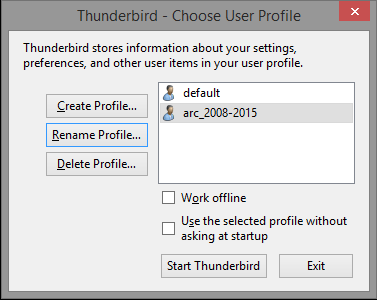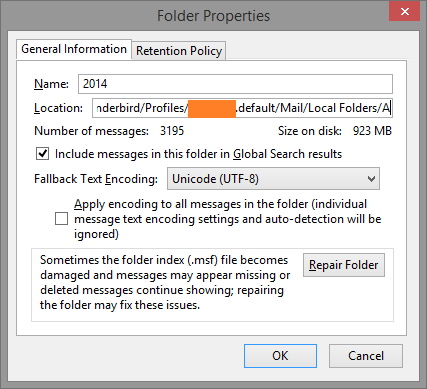
I run Thunderbird (45.7.1) for my emails with two profiles: First is current and another is with old archives. Once a year I want to transfer old archive folder from current profile to backup profile. In windows, Open
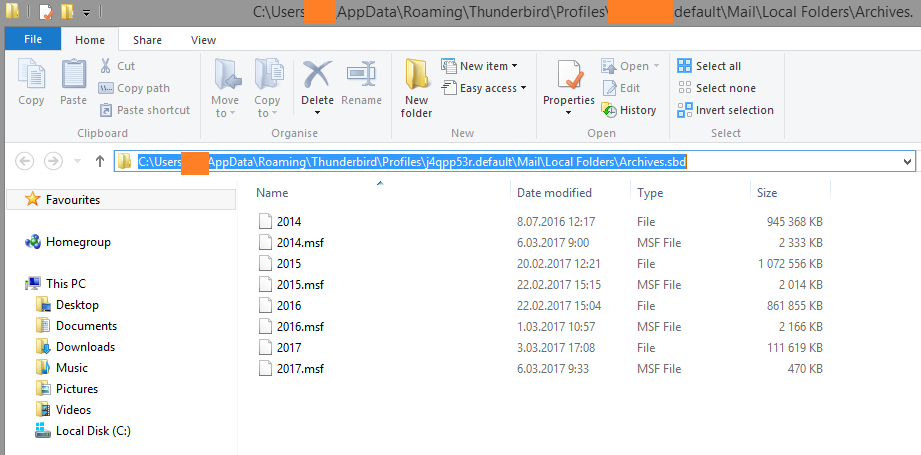
start>run> %appdata%\Thunderbird\Profiles\XXXXXXX.default\Mail\Local Folders\Archives.sbd
%appdata% variable in my windows installation means C:\Users\USERNAME\AppData\Roaming folder.
Copy required archive files to another profile. Check if the folders present in backup profile, then these folders can be deleted from current profile.