
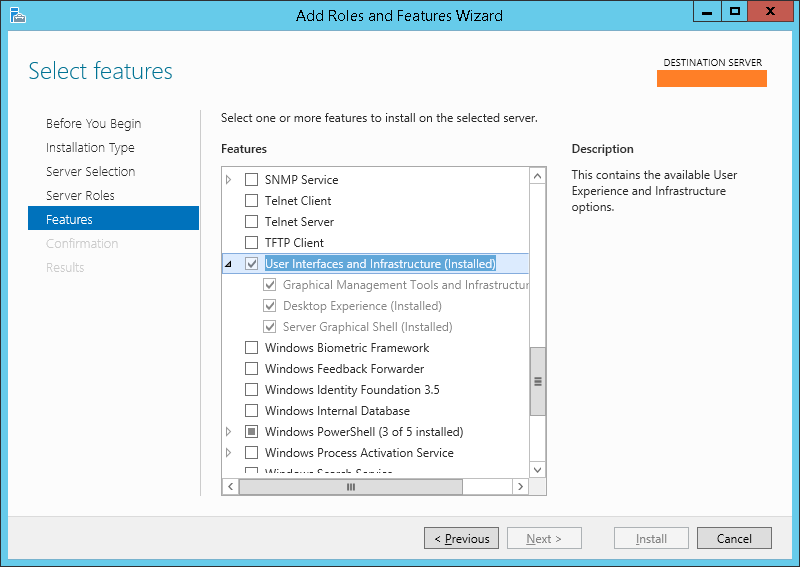
To add my computer and other icons you need on win 2012 server “Desktop Experience” in “User interface and infrastructure” should be selected.
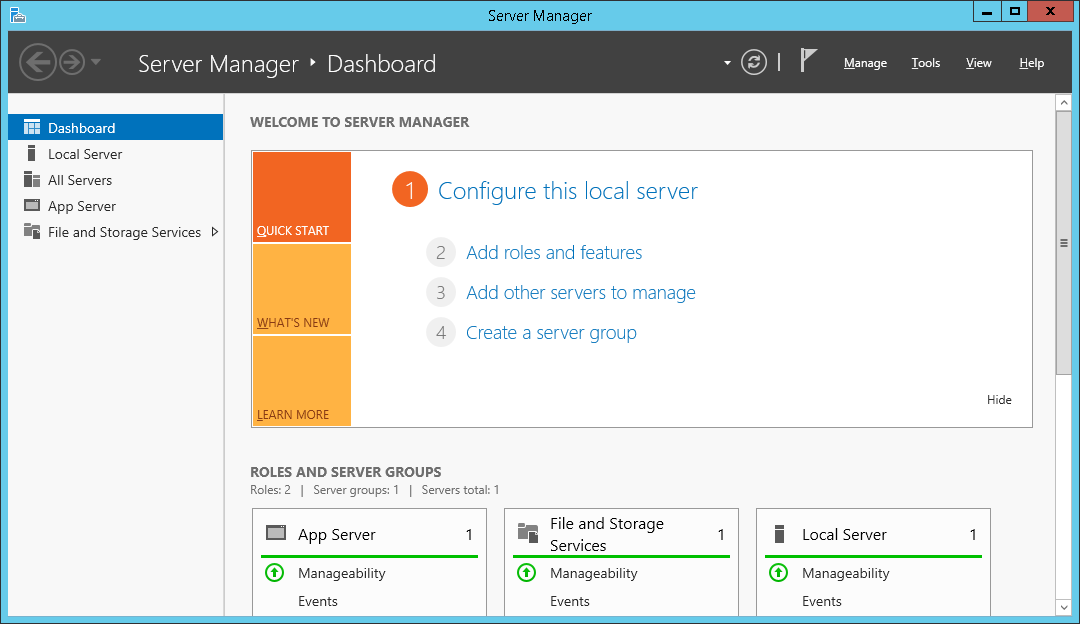
01. server manager, dashboard -> next
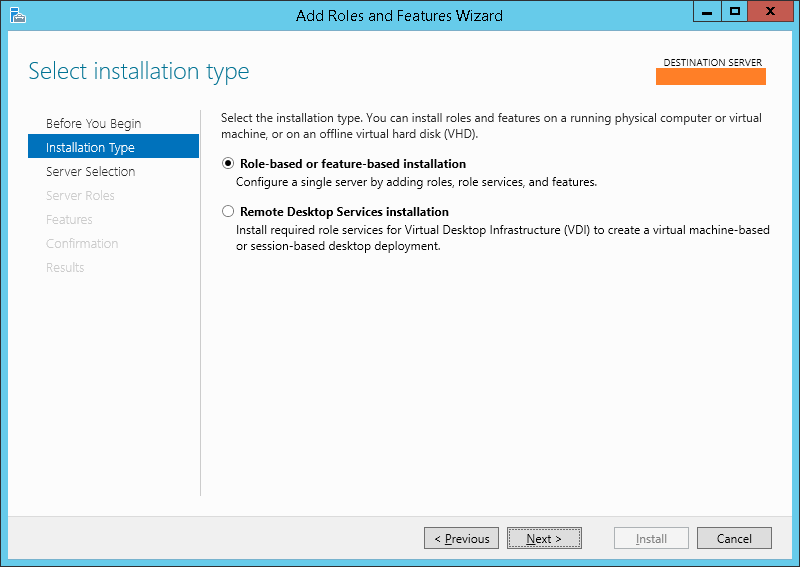
02. add roles and features wizard -> next
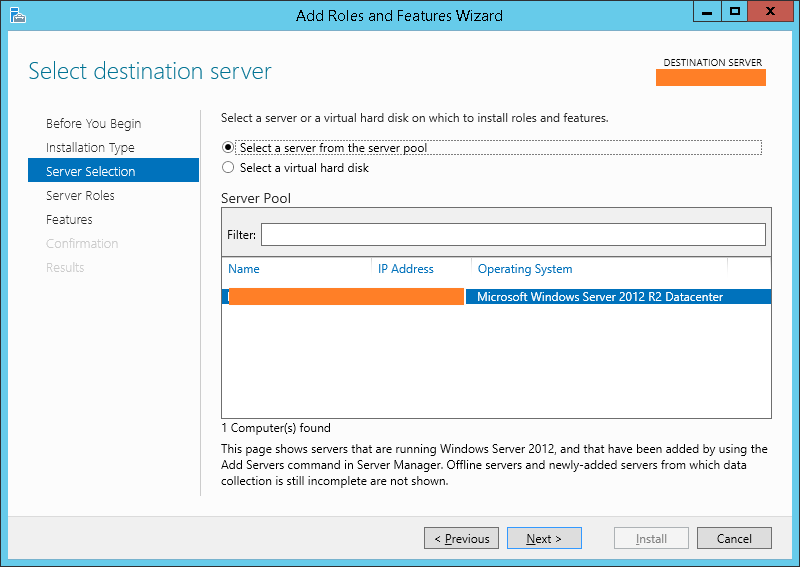
03. select server -> next
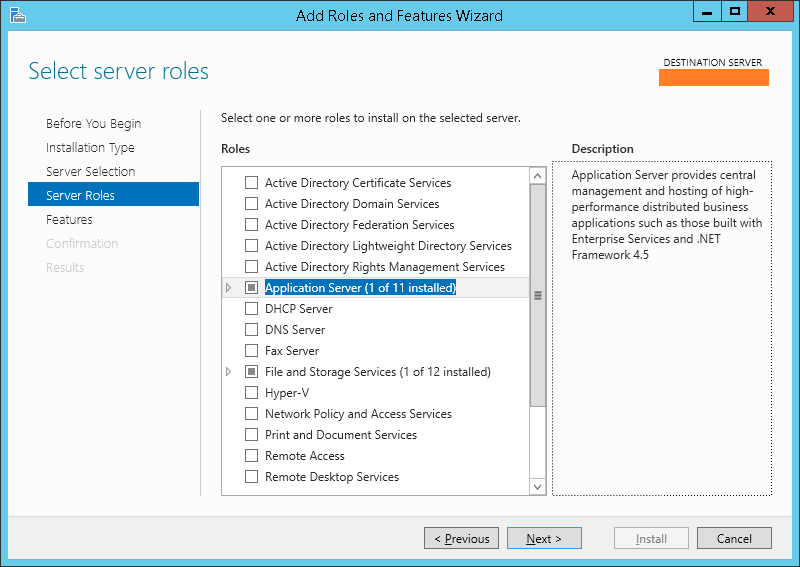
04. select server roles -> next
05. select features -> “User interface and infrastructure”,”Desktop Experience” -> next
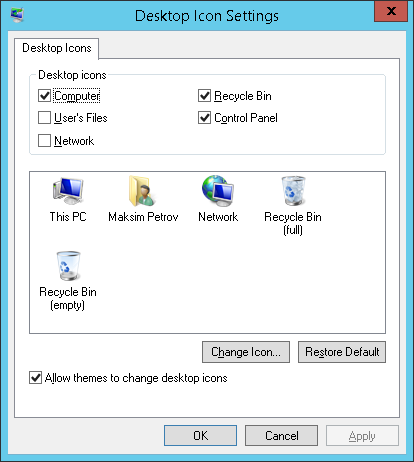
06. desktop icon settings -> select icons you need on desktop
 Update: 2014-07-02, seems it will work only on updated with windows update system.